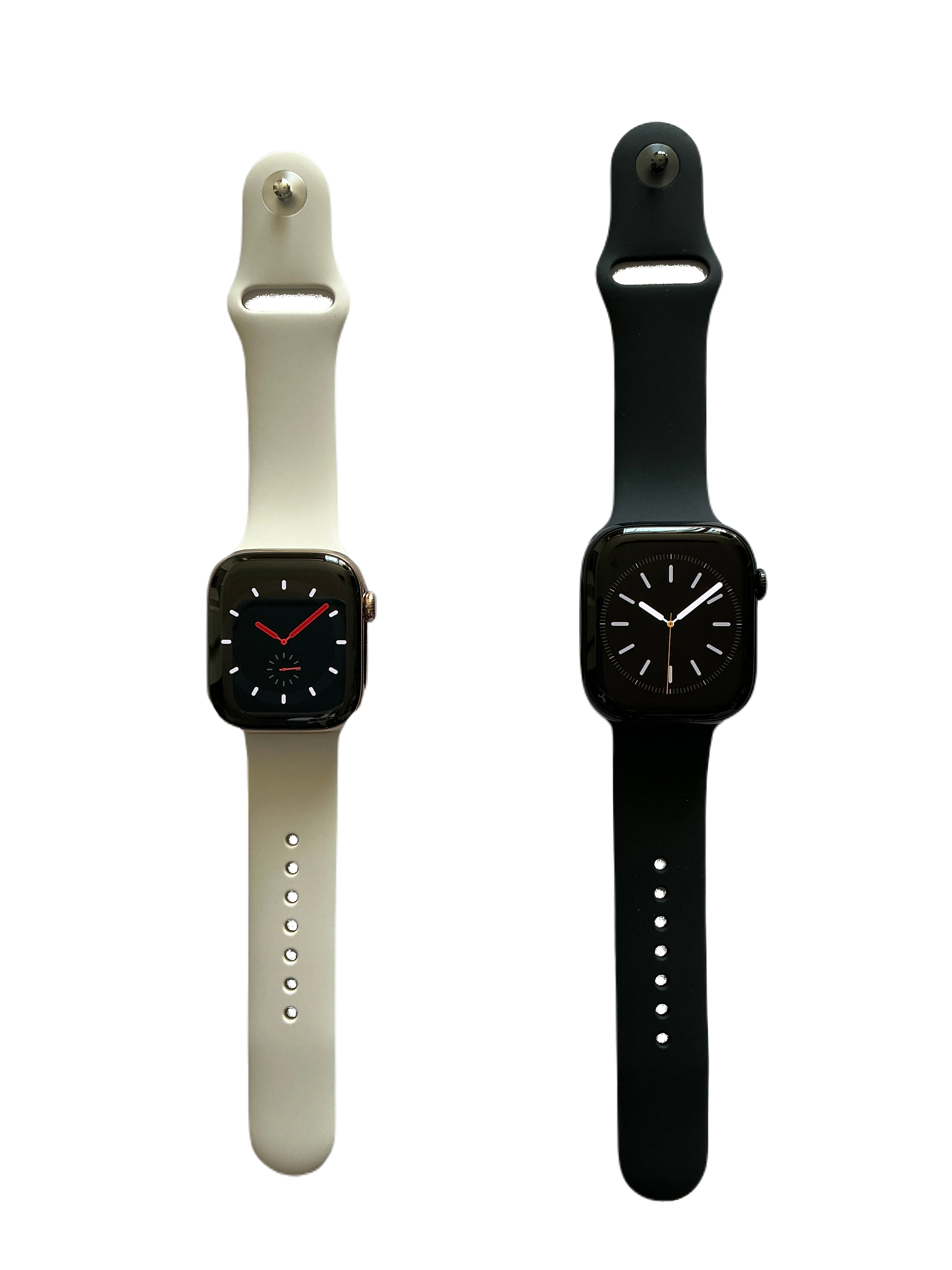
Need Garmin Fenix Series repair in Grand Forks? Tech Guru provides mobile pickup and delivery throughout Greater Grand Forks, with professional diagnostics and repair options for common watch problems.
Apple Watch Series 10 (2024) • Greater Grand Forks repair
GARMIN WATCH REPAIR
Repair options for your Garmin Fenix Series.
Every repair starts by confirming the exact model and diagnosing the actual failure. The sections below cover the repair services that can apply to this type of device. Part availability and the exact repair method vary by model and condition.
Serving Grand Forks, ND, East Grand Forks, MN and nearby communities with convenient pickup and delivery.
Why choose Tech Guru?
15+ years of hands-on electronics repair experience
Mobile pickup and return delivery in Greater Grand Forks
Board-level diagnostics and micro-soldering capability
Repair options matched to the exact device model
GARMIN FENIX SERIES SERVICES
Common Garmin Fenix Series repair services.
Choose a repair below to learn what we look for. If you are unsure which one applies, book diagnostics and describe the symptoms.
Garmin Fenix Series Screen Repair in Grand Forks, ND
A cracked, damaged, non-responsive, flickering or failed display can often be repaired by replacing the appropriate screen or display assembly. We match the repair approach to the exact model and available part quality.
Garmin Fenix Series Battery Replacement in Grand Forks, ND
Battery service can help with short runtime, unexpected shutdowns, swelling, charging problems or a battery that has reached the end of its useful life. We verify the exact battery required before the repair.
Garmin Fenix Series Microphone Repair in Grand Forks, ND
If callers cannot hear you, recordings are muffled or voice input is unreliable, we can diagnose the microphones, related flex assemblies and board-level audio path where applicable.
Garmin Fenix Series Speaker Repair in Grand Forks, ND
Low, distorted or missing sound can come from an earpiece, loudspeaker, debris, a flex assembly or an audio circuit. We isolate the fault before replacing parts.
Garmin Fenix Series Diagnostics in Grand Forks, ND
When the cause is not obvious, diagnostics help identify whether the problem is a replaceable component, software issue, connector, power fault or board-level failure before additional repair work begins.
Garmin Fenix Series Factory Reset & Software Restore in Grand Forks, ND
For supported devices, a factory reset or operating-system restore can help with certain software problems. This may erase customer data, so backup and recovery options should be considered first.
Tech Guru is built around mobile service. Schedule your Garmin Fenix Series repair, arrange pickup, and get the device returned after service. Select repairs may also qualify for onsite service.
Grand ForksRepair LabBack to You
GARMIN FENIX SERIES FAQ
Garmin Fenix Series repair questions
Can Tech Guru repair a broken Garmin Fenix Series screen?
Screen repair is available for many supported models. We confirm the exact Garmin Fenix Series variant and current part availability before finalizing the repair.
Can you replace the battery in a Garmin Fenix Series?
Battery replacement is available where the correct battery can be sourced and safely installed. We verify the model and battery condition before service.
Do I need to bring my Garmin Fenix Series to a storefront?
No. Tech Guru is mobile-service focused and coordinates pickup and return delivery throughout Greater Grand Forks, with select onsite repairs available.
What if I do not know what is wrong with my Garmin Fenix Series?
Choose diagnostics when the cause is unclear. We can evaluate the symptoms and identify the likely failed component or software issue before additional repair work.
MORE GARMIN MODELS
Looking for a different Garmin model?
Return to the Garmin repair page to find your model and see available repair options.
Welcome! I’m Diode, your AI Repair Tech. Before we start, what’s your name? Sharing your name saves this conversation for the shop to review. You can skip this and still get help.
Diode uses local repair knowledge and recent conversation context. Learning suggestions go to the shop for review before reuse. Leave out passwords, payment details and private customer information.
Tell us what went wrong or what Diode should have done differently. Your current Diode conversation and basic browser diagnostics will be included automatically.
Please do not include passwords, payment information, or other sensitive personal information.
AI Repair Tech · Disclaimer & data safety
Diode provides general repair guidance, not a confirmed diagnosis. This focused repair assistant runs locally in WordPress. Recent conversation context is held on this server for up to 24 hours of inactivity and restored in this browser. New chat removes the previous session. If you share your name, your conversation and reported checks are saved for the shop to review. A phone number is optional for follow-up. Learning suggestions are reviewed by the shop before they can be reused. Approved learning examples persist until the owner deletes them. Do not enter passwords, payment details, or private customer information. Device-specific instructions may differ. Stop if a device is hot, swollen, wet, leaking, or physically damaged; seek professional assistance.
Protect your data: Back up important photos, files, contacts, and other data before troubleshooting, repair, software updates, resets, or service whenever possible. Some operations may change settings, disconnect accounts, or permanently erase data. Do not perform a factory reset, erase, restore, reinstall, or format unless you understand the consequences and have verified your backup.
Repair and recovery outcomes cannot be guaranteed. Diode prepares verified selections for Workflow-integrated Booking. Booking calculates final prices, processes payment and confirms appointments; its existing Workflow sync handles the resulting booking.