
Why You Shouldn't Use Rice for Liquid Damage
A wet phone and a bag of rice have become almost inseparable advice. Here’s why rice is the wrong move—and what to do instead.
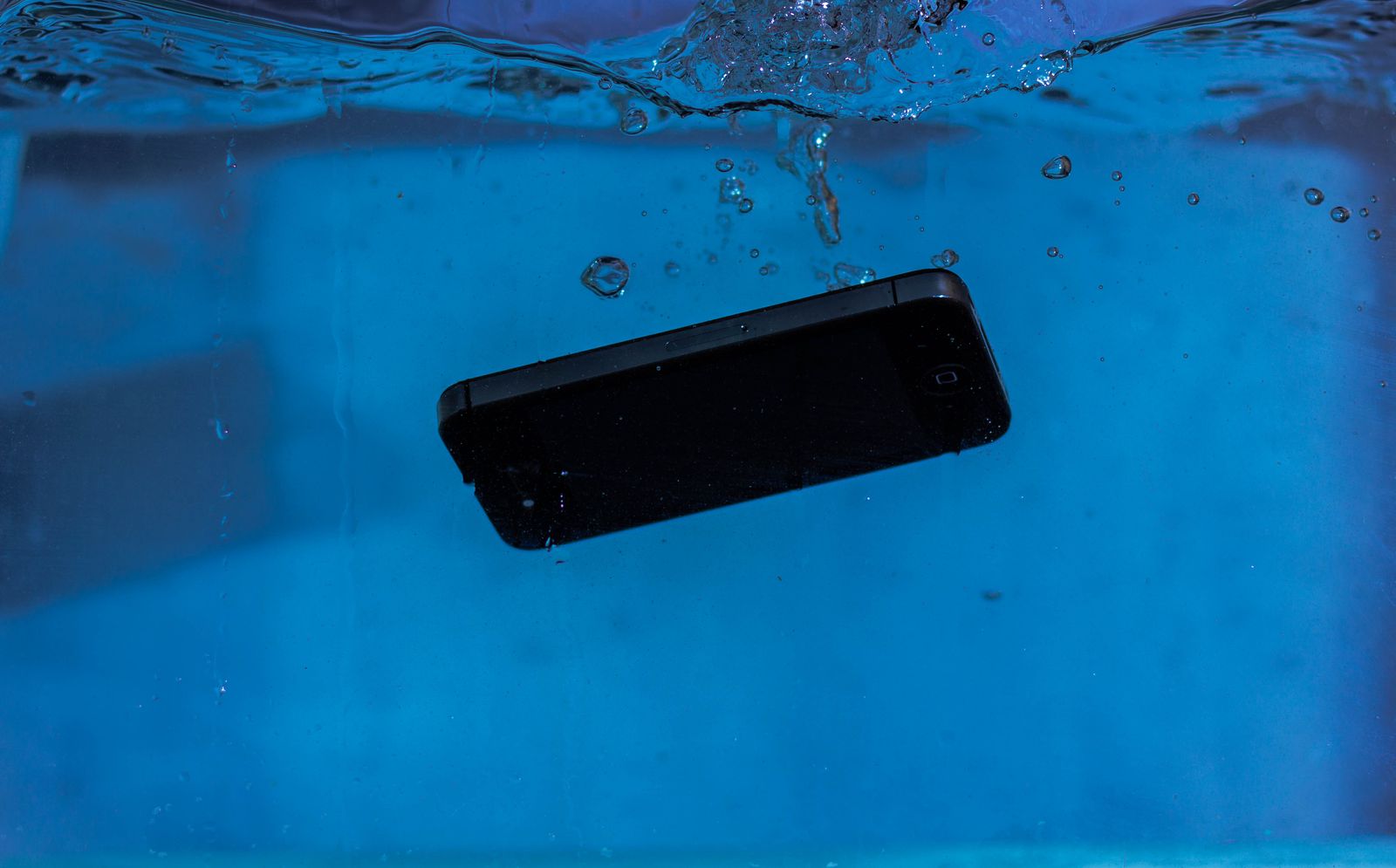
It happens fast: a phone slips into a sink, gets caught in the rain, or takes the dreaded trip into the toilet. Then comes the advice almost everyone has heard: put it in rice.
At Tech Guru, we want you to skip the rice. It is not a repair, it does not clean contamination from inside a device, and waiting on a bag of rice can cost valuable time while liquid remains where it should not be.
Rice doesn't remove the real problem
Liquid damage is about more than whether the outside of a phone feels dry. Moisture can reach connectors, shields, charging components and the logic board. Drinks, pool water, salt water and other liquids can also leave conductive or corrosive residue behind after the visible moisture is gone.
Rice sitting beside a device cannot clean those residues or inspect what happened internally. Even Apple specifically tells iPhone owners not to place a wet iPhone in rice because small rice particles can damage the device.
What should you do instead?
- Disconnect power and accessories. If the device is connected to a charger, unplug it.
- Do not keep testing the charging port. Charging while moisture is present can cause additional damage.
- Let accessible moisture drain and dry with normal airflow. Keep the connector facing downward when appropriate.
- Avoid heat, compressed air and objects in the port. A hair dryer, cotton swab or paper towel pushed into a connector can create new problems.
- If the exposure was significant or the device is behaving abnormally, have it inspected. The sooner internal contamination is found, the better the opportunity to address it before corrosion progresses.
But my phone is water resistant
Water resistance is useful protection, but it is not a guarantee that a device cannot suffer liquid damage. Seals can age, devices can be dropped, and previous repairs can change how well a device resists liquid. Manufacturers also warn that water resistance is not a permanent condition.
Signs liquid may still be causing trouble
Watch for moisture warnings, charging problems, distorted speakers, cameras that fog internally, unexpected restarts, overheating, rapid battery drain, display problems or a device that will not power on. A phone can also appear normal immediately after exposure and develop problems later as corrosion progresses.
The takeaway: rice is not a repair tool
If your phone gets wet, the goal is to avoid making the situation worse. Disconnect it from power, give it airflow, and get professional help when the exposure is more than a minor splash or symptoms appear. Save the rice for dinner.
