
Phone Won't Charge? It Might Not Be the Charging Port
Before assuming the charging port is broken, check the cable, power source, debris, moisture warnings and battery behavior.
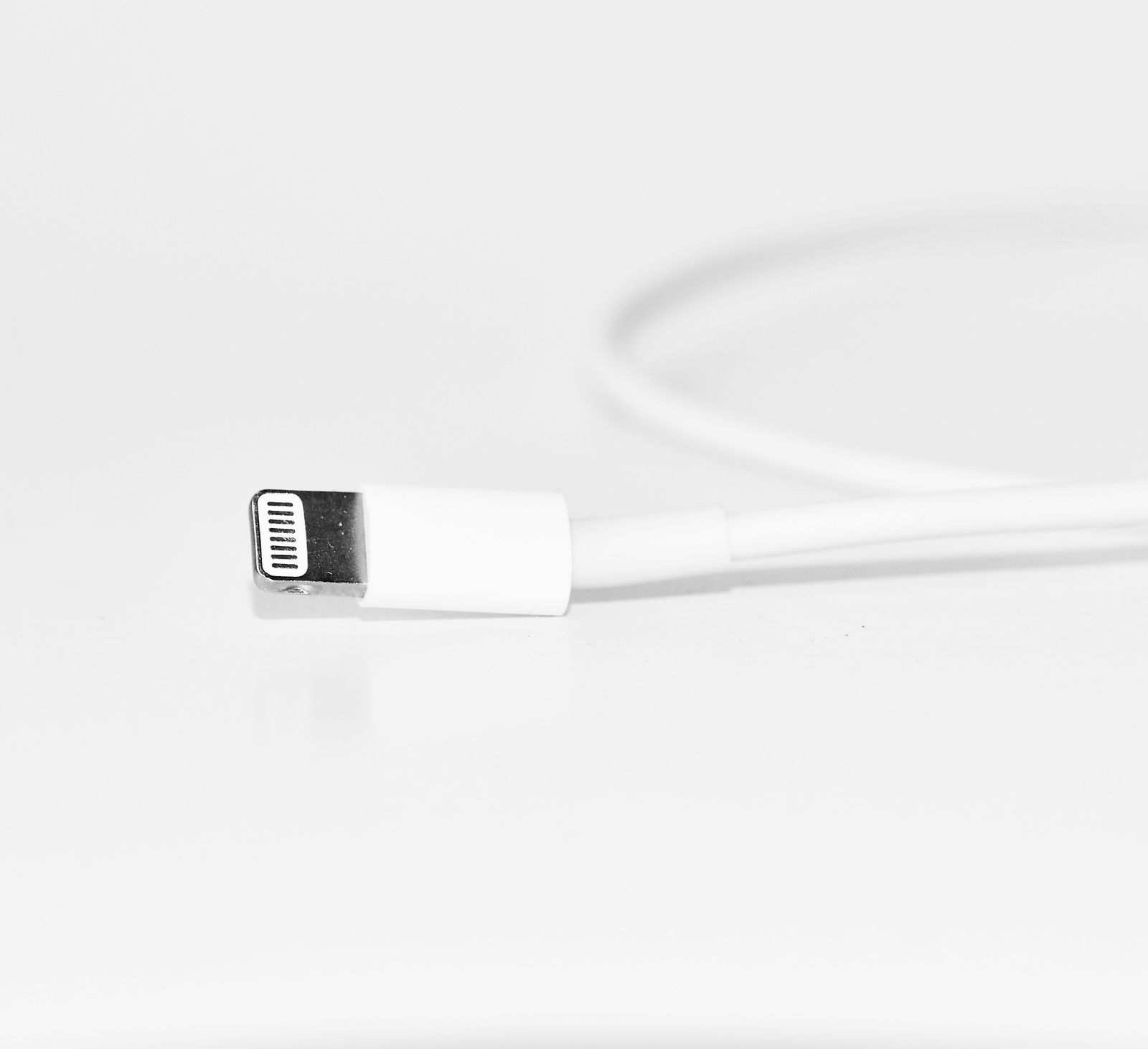
When a phone stops charging, the charging port gets blamed first. Sometimes that is the problem—but there are several easier possibilities worth ruling out before replacing hardware.
Start with the charger
Try a known-good cable and compatible power adapter. Cables fail internally, connector ends wear out and adapters can stop delivering the power a phone expects.
Check the power source
A weak USB port on a computer, a bad outlet or a problematic power strip can make a healthy phone look like it has a charging problem. Test with a known-good wall outlet and charger.
Look for debris—but don't dig around
Pocket lint can compact at the bottom of a charging port and prevent the plug from seating fully. If the connector feels unusually loose or will only charge at an angle, debris or physical port damage is possible. Avoid metal tools and aggressive cleaning that can damage the pins.
Pay attention to moisture warnings
Modern phones may intentionally disable wired charging when moisture is detected. Do not repeatedly reconnect the cable to defeat the warning. Disconnect it and let the device dry according to the manufacturer's guidance.
The battery can also be the culprit
A deeply discharged, worn or failed battery may not respond normally when connected to power. Charging circuitry and board-level faults can produce similar symptoms.
Wireless charging is a useful clue—not a complete diagnosis
If a supported phone charges wirelessly but not through its wired connector, that narrows the possibilities, but it does not prove the port itself is the only fault.
When to get it diagnosed
If multiple known-good chargers fail, the port is visibly damaged, the device becomes hot, moisture warnings persist, or charging repeatedly connects and disconnects, it is time for an inspection. Tech Guru can diagnose the cause before replacing parts unnecessarily.
