
Give Your Computer and Game Console a Breather: Why Internal Maintenance Matters
Dust, restricted airflow, and worn thermal interfaces can affect cooling. Learn when internal cleaning, thermal paste, pads, or liquid-metal service makes sense.
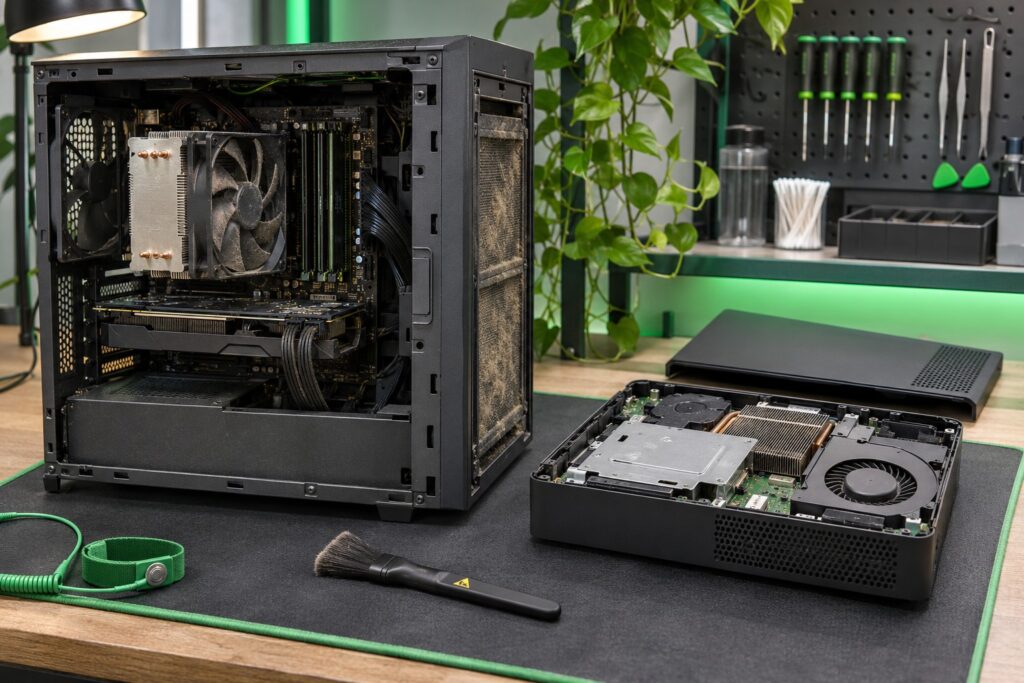
Your computer or game console might look clean on the outside while collecting a small dust-bunny civilization inside. Unfortunately, those residents do not pay rent—and they can get in the way of cooling.
Internal maintenance helps a cooling system do its job. That can mean removing dust and debris, checking fans and heatsinks, and inspecting thermal materials when symptoms or disassembly make that appropriate. The goal is reliable operation at the performance the device is designed to deliver, not a promise of extra frames per second.
Dust blocks the route heat needs to take
Fans move air through cooling fins and ventilation openings. Dust, pet hair, and lint can restrict that path. A system may respond with more fan noise, reduced performance under load, or protective shutdowns. Warm exhaust alone does not prove a fault; the pattern of symptoms matters.
Cleaning the outside vent is useful, but it may not remove debris trapped deeper in a heatsink. An internal inspection can help identify where airflow is restricted and whether a fan or another component also needs attention.
Thermal paste has a specific job
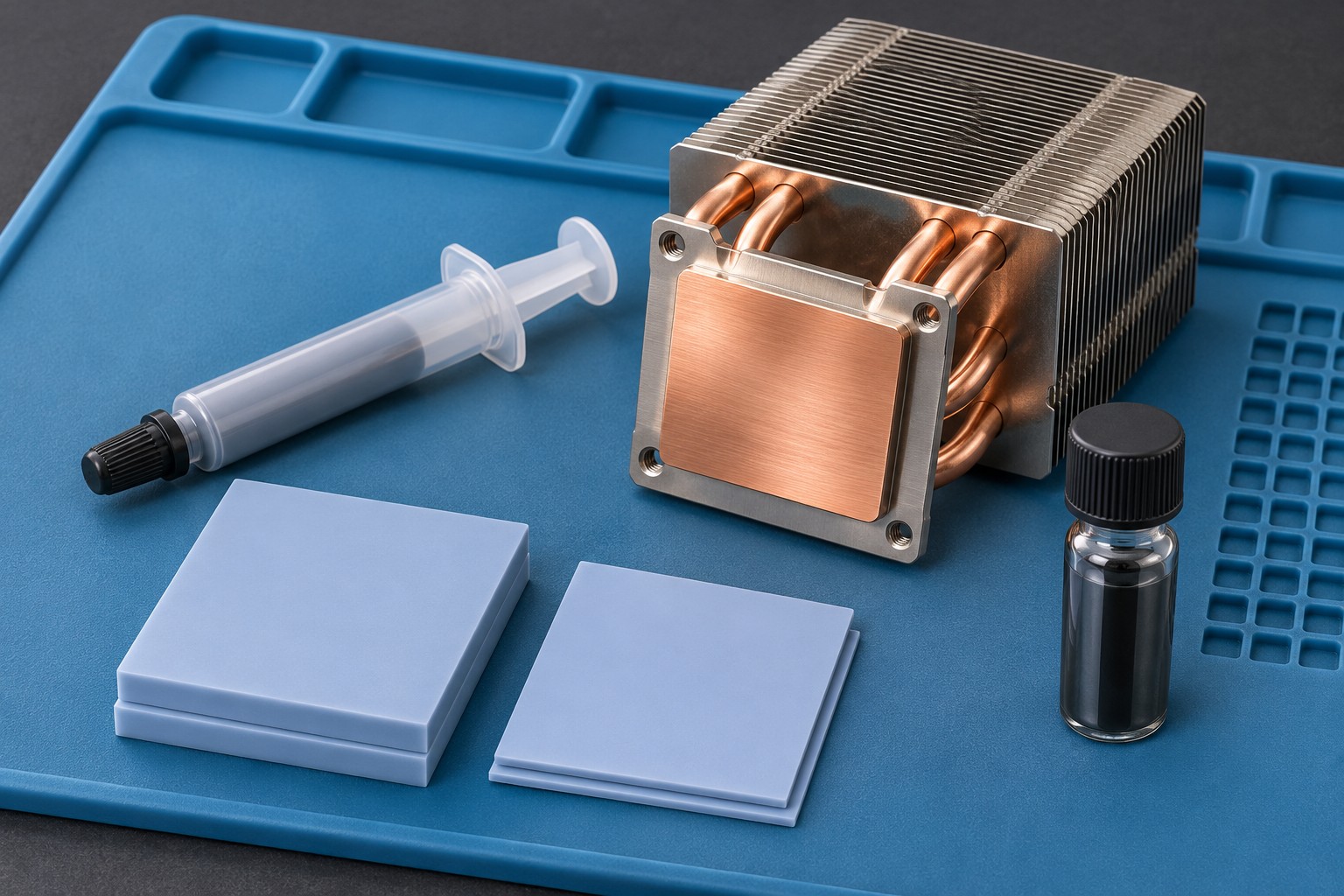
Thermal compound fills microscopic imperfections between a heat-producing component and its cooler. On designs that use paste, deteriorated coverage or a disturbed interface can justify cleaning and reapplication with an appropriate material. It is not a reason to open every healthy device on a fixed annual schedule.
Replacing paste also does not fix a failed fan, a damaged heatpipe, or every shutdown. Maintenance should follow the device’s symptoms and cooling design rather than treating a tube of compound as a universal cure.
Thermal pads are not interchangeable with paste
Some memory chips, power components, and other parts transfer heat through pads or other gap-filling materials. Thickness, compressibility, and placement affect contact. A pad that looks similar may not be the right replacement.
Damaged or unsuitable pads may need replacement during service. Choosing the correct specification matters more than simply buying the thickest pad or the one with the biggest advertised number.
Liquid metal needs a different level of care
Some systems, including PS5 consoles, use a liquid-metal thermal interface. Liquid metal conducts electricity, must stay contained, and is unsuitable for certain surfaces, including aluminum. It is not an automatic upgrade for a device designed for ordinary paste.
Specialized service may be appropriate if inspection identifies an interface problem. It is not necessary to replace liquid metal at every dust cleaning. Preserving the correct barriers, contact, and compatible materials is essential; this is professional inspection work rather than a casual DIY task.
When is it worth having a device checked?
- Fans have become unusually loud during the same ordinary tasks.
- The device shows an overheating warning or repeatedly shuts down during use.
- You can see significant buildup around cooling openings.
- The device has spent time near pets, carpeting, smoke, or heavy airborne dust.
- Performance changes noticeably once a demanding task has been running.
Those clues justify diagnosis, not an instant verdict about which part failed. Stop using a device that smells burned, shows visible damage, or repeatedly trips a thermal warning. Back up important computer files before service whenever possible.
A clean cooling system is a sensible investment
Between services, give the device the ventilation its manufacturer specifies, keep fabric away from its vents, and follow its model-specific cleaning instructions. Leave internal power-supply work and thermal-interface servicing to someone equipped for the job.
Tech Guru can help you work out whether the problem calls for cleaning, cooling-system service, or a different repair. Tell us the model, what happens, and when it happens. Dust bunnies are optional; a dependable device is the goal.
